First, why taking extra steps?
Because this is how you can download Android apps "straight from the source" instead of trusting a multibillion dollars company where the money is made behind plenty of tracking features.
We understand you wish it'd simply be look-up and tap install. This is nearly this , actually, it's just a second install . So we give you the quick steps below.
Here's how
Prerequisites: Make sure you don't have the Google Play version of Ampersand installed on your phone. If it is, uninstall it first.
1.
2.
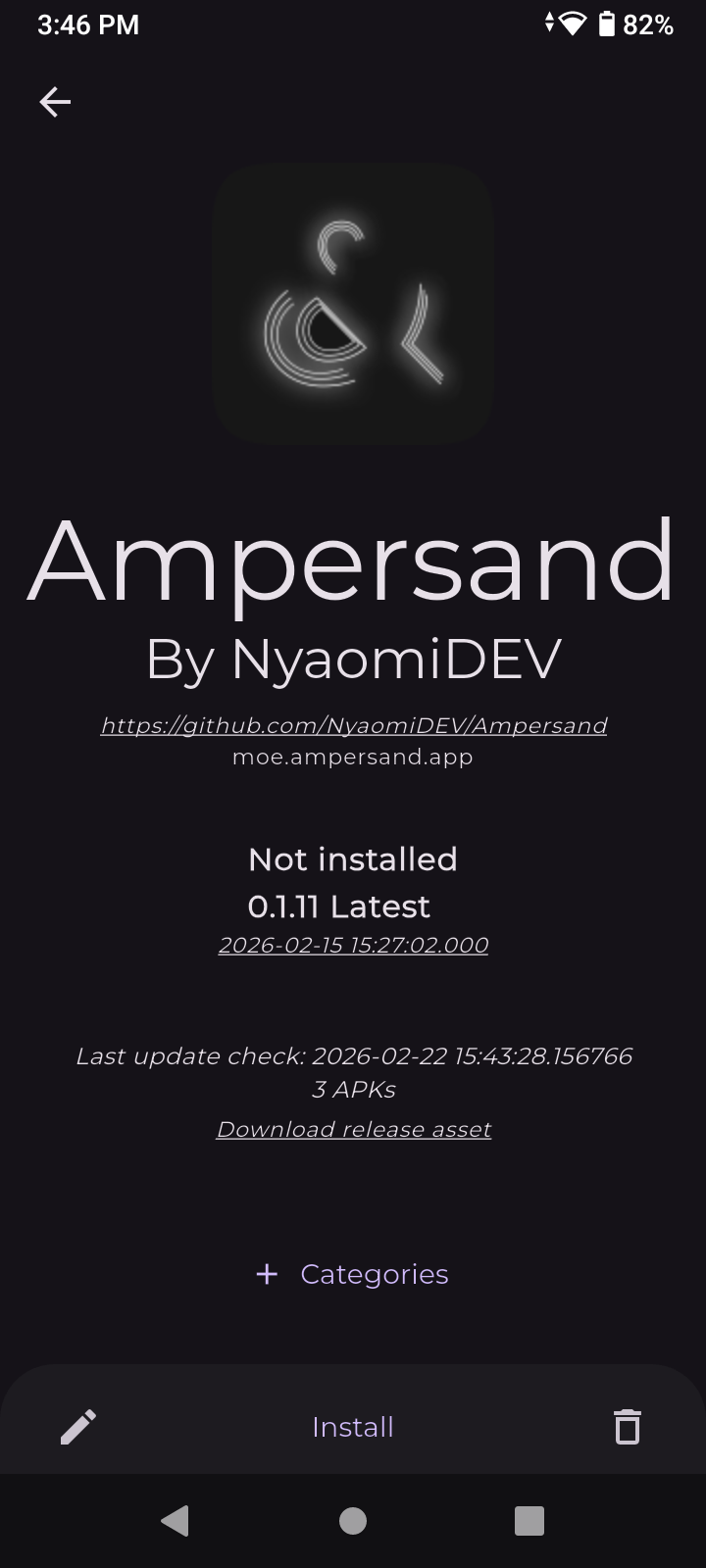
Go to the desired app's website where you'll see a "Get it on Obtainium" button or an install URL , and open that link. You should automatically be redirected to the Obtainium app you just installed, showing the app profile.
3.
Follow the steps shown on screen to install the desired app.
In the future…
If you keep the Obtainium app installed, you will be able to go through steps 2 and 3 very quickly for installing more apps, by just opening install links and following what's on screen.

Disclaimer: Make sure you trust the install links you open. We and Obtainium are not responsible for any malware app you might find and install to your device. Please review sources carefully. This also applies to apps found on preinstalled app stores such as Google Play.
I don't want Obtainium to show in my app launcher!
And that's valid to not want stuff on your phone! Your launcher usually comes with a way to hide the app from the home screen. In most cases, simply hold on the icon, then remove / hide it. That way you can make Obtainium install links work without the app icon distracting you. Treat Obtainium as another app library / updater, parallel to Google Play.
If not, you can install a third-party launcher, like Nova Launcher. This one comes with a hide option that works in the app library / drawer too.